Real OBD2 scans
Read active, pending, and permanent powertrain codes, freeze-frame data, readiness status, VIN, and supported live PIDs.
 Garage MonkeyPRO™
Mechanic-built Android diagnostics
Connect to a supported adapter, identify the vehicle, scan real ECUs, review live data, follow vehicle-aware workflows, find parts, and produce shop-ready reports.
Garage Monkey PRO for iPhone is coming soon.

New commercial-vehicle platform
Professional Android diagnostics built around NEXIQ USB-Link 3 and Noregon DLA+ 2.0 RP1210 interfaces, with J1939/J1708 network discovery, DM1 faults, aftertreatment, guarded forced regen, parts lookup, voice commands, reports and work orders.
The actual app
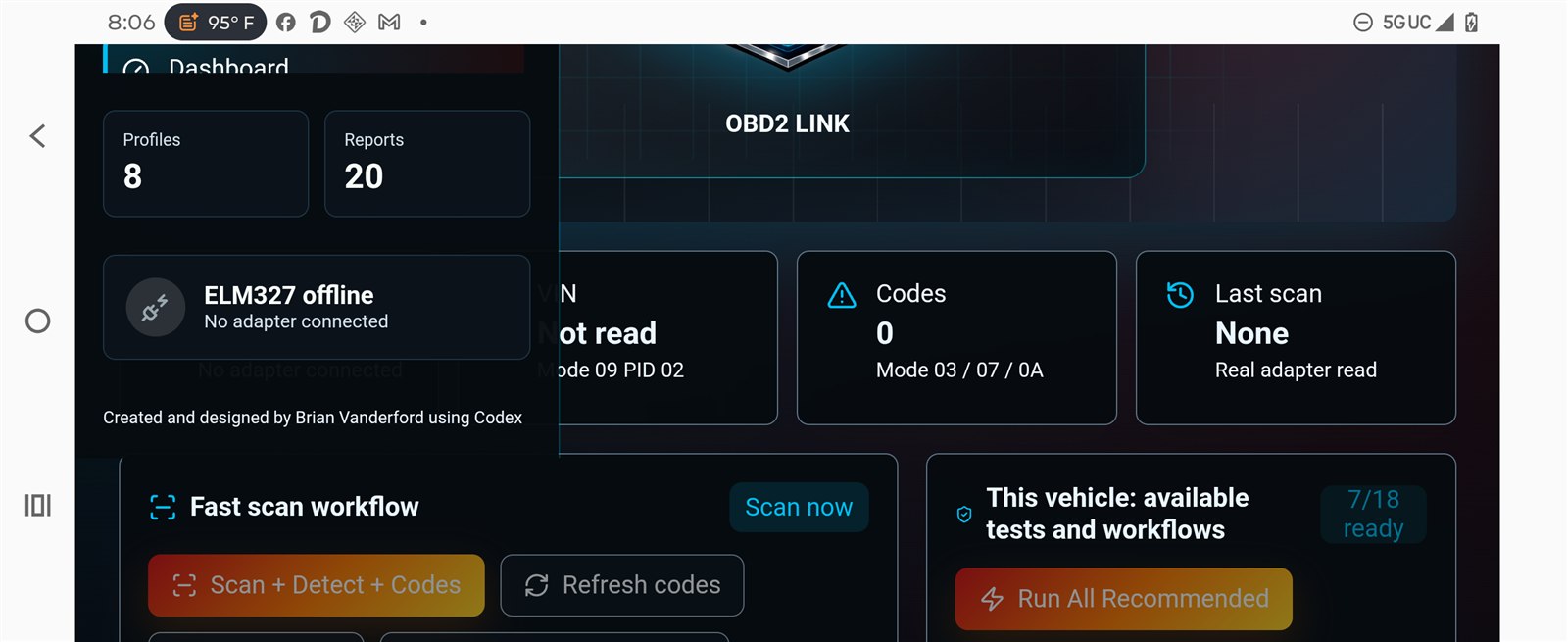
Garage Monkey PRO keeps vehicle identification, active codes, recommended checks, parts, estimates, and reports in one working session.
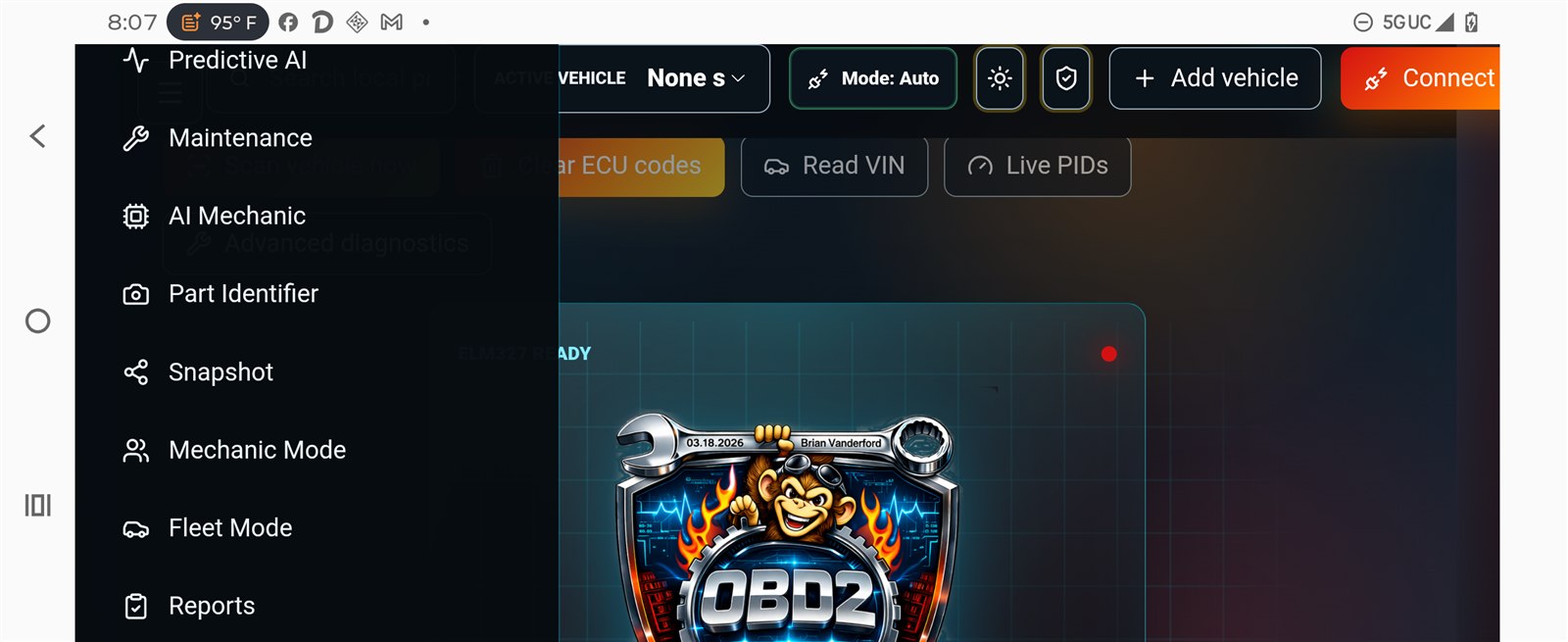
Read active, pending, and permanent powertrain codes, freeze-frame data, readiness status, VIN, and supported live PIDs.
Move from connection and vehicle detection into codes, recommended tests, parts options, estimates, and customer reporting.
Vehicle-aware aftertreatment checks and guarded service workflows where the ECU, adapter, and security access support them.
Readable code definitions, diagnostic priorities, likely causes, parts lookup, voice commands, and camera-based label/barcode reading.
Save scan history and export customer-ready PDF or JSON records for individual vehicles, shops, and fleets.
Review guaranteed, likely, and unsupported functions by VIN, year, make, model, adapter, bus, and gateway requirements.
Job Mode
Auto-detect supported USB or Bluetooth adapters and confirm adapter health.
Read the VIN, enrich the vehicle profile, and confirm the vehicle before testing.
Read real trouble codes, readiness, freeze frame, and available live data.
See definitions, recommended tests, likely fixes, and relevant parts.
Build an estimate and print, share, or save the finished scan report.
Hardware and vehicle coverage
Coverage varies by ECU, model year, protocol, adapter firmware, security gateway, and OEM authorization. Garage Monkey PRO reports those limits instead of promising functions the vehicle cannot perform.
Standard emissions OBD2 coverage is broader. Enhanced module and service-function coverage is vehicle-specific. Heavy-duty trucks require an OBD-reachable emissions controller or a compatible SAE J1939 interface for full network access.
Ask about a vehicle →Planned launch pricing
Choose monthly flexibility, save with annual billing, or make one payment for full access to this app. Hardware is sold separately.
PRO Plus
$199.99/year Save $39.89
For serious owners, DIYers, and used-car buyers.
Mechanic Mode
$299.99/year Save $59.89
For independent mechanics and mobile technicians.
Fleet Mode
$399.99/year Save $79.89
For shops and service businesses managing multiple vehicles.
One-time full access
Unlock all current OBD2 app tiers with no recurring subscription. Compatible vehicle hardware is sold separately.
Each purchase applies to Garage Monkey PRO OBD2 Diagnostics only. Heavy Truck Diagnostics is licensed separately. Prices are planned launch prices and may change before public release.
Straight answers
No. Core diagnostic actions require a compatible adapter and a real vehicle connection. Saved reports can be reviewed later, but the app does not fabricate scan readings.
Yes, where supported by the connected ECU. Clearing codes can reset readiness monitors or hide diagnostic evidence, so the app requires deliberate confirmation.
No. Service functions vary by ECU, model year, protocol, security gateway, and adapter. The app uses compatibility and safety checks before offering a workflow.
Core adapter communication, saved records, bundled code information, barcode reading, and label recognition can work locally. Web pricing, cloud sync, billing, and some speech services require connectivity.
Email the address below with the Google account used on your Android phone. Test access is limited while Google Play's closed-testing requirement is completed.
Garage Monkey PRO™
Join the Android closed test or ask about vehicle and adapter compatibility.